Text size
Line height
Text spacing
We're currently redeveloping our website so you may see a mix of old and new style pages and forms while we complete this work..
Inset Day - Tuesday 1st September 2026, School will be closed to all pupils..
Autumn Term commences on Wednesday 2nd September 2026 for all pupils...
We use computers, computing devices and computer systems in many parts of our lives. They may look very different, and carry out many different types of tasks, but all computers basically work in the same way.
They work by receiving, storing, processing and sending out information.
The processing is done by the computer processor. This is also called the Central Processing Unit or CPU.
The input and output information is stored in the CPU memory before and after being processed.
Lists of coded instructions called programs are stored in the CPU memory. The program will tell the CPU how to process the input information and what form to send the output in.
For example, we might use a keyboard to send some text input into the computer.
A program stored in the memory will tell the processor to turn the input into text output on the screen.
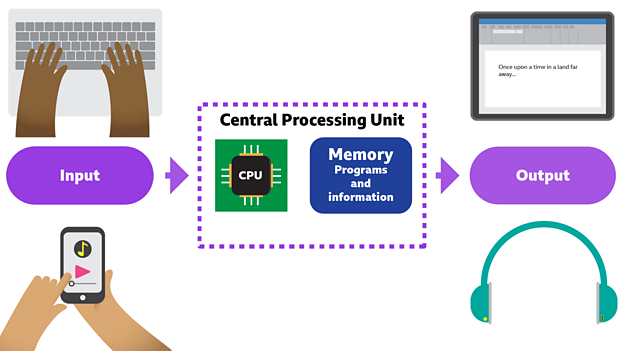
We might use a touchscreen to input a song choice by pressing an onscreen icon in a music app.
The program for the music app stored in the memory will tell the processor to turn the input into sound output through headphones or a speaker.
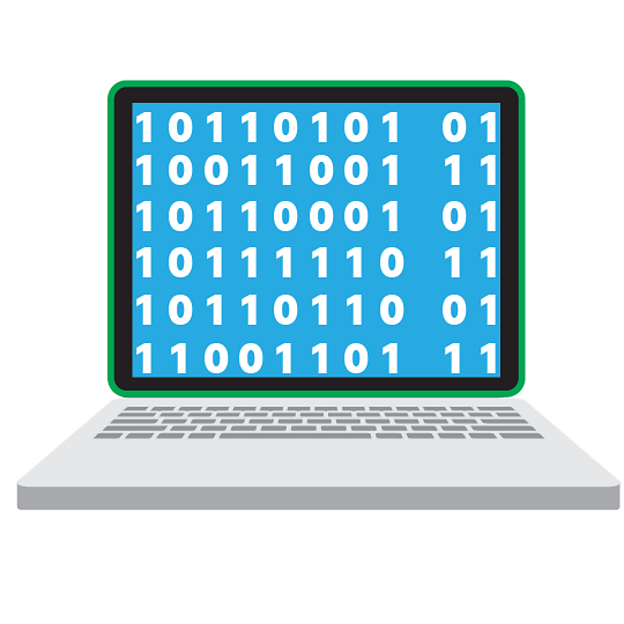
Computers can only work with digital information. Any input that a computer receives must be digitised so that the CPU can process it.
When information is digitised, it is converted into a digital code called binary.
Binary has two numbers: 0 and 1. It uses these to represent other letters and numbers.
Information that has been converted or digitised into binary code is called digital information.
Information that has not been digitised is often described as analogue.
Input devices like keyboards, touchscreens, webcams and game controllers are designed and built to digitise the information they receive before sending it to the computer CPU for processing.
Some output devices output the processed information digitally, on a screen.
Some devices convert it back to analogue form, like a printout or sound.
Humans usually find it easier to understand analogue information!

There are some input devices specifically designed to help people who may not be able to use devices such as keyboards or touchscreens to input information.
These devices might use sound or types of movement like head or eye movement, to control a pointer or on-screen keyboard. Some can even use our breath as an input method.
Output devices can turn text into speech for people with visual difficulties or speech into text for people with hearing difficulties. They can also give sound and visual alarms to warn and alert people to danger.
These devices are called assistive technology and help to ensure equal access to technology for people with disabilities and additional needs.
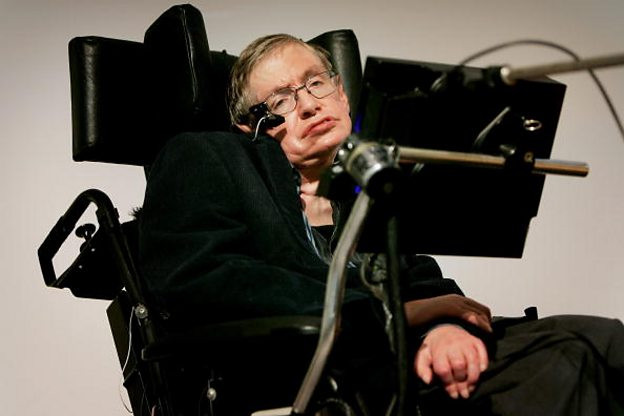
A famous scientist called Professor Stephen Hawking used special input devices that enabled him to carry on working. He battled motor neurone disease which severely limited his mobility and left him unable to speak.
Professor Hawking used an input device controlled by his cheek movements to choose the words he wanted to use.
A special output device turned those words into electronic speech that people could hear.
Technology is changing and developing all the time, giving us new ways to use computing devices.
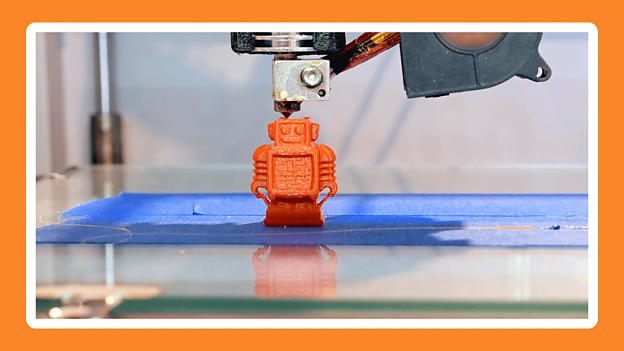

Find out more about inputs and outputs with this video

